In an era where physical media is rapidly being overshadowed by digital convenience, the allure of copying protected DVD movies remains ever-potent. Whether it’s for preserving your cherished classic films, backing up irreplaceable family videos, or simply creating a convenient digital archive, knowing how to bypass those pesky DVD copy protection schemes can be a game-changer. But with an ever-evolving landscape of encryption technologies and legal complexities, the process can seem daunting. Fear not! This guide will demystify the art of copying protected DVDs with ease, revealing insider tips and cutting-edge DVD decryption tools to help you navigate the labyrinth of digital protection. Imagine having your favorite movies, securely copied and readily accessible on any device, anytime you want. Dive in to discover how you can transform your DVD collection into a versatile, on-demand library, and make sure your cherished films are never at risk of being lost to time.
Understanding DVD Protection
What Is DVD Copy Protection?
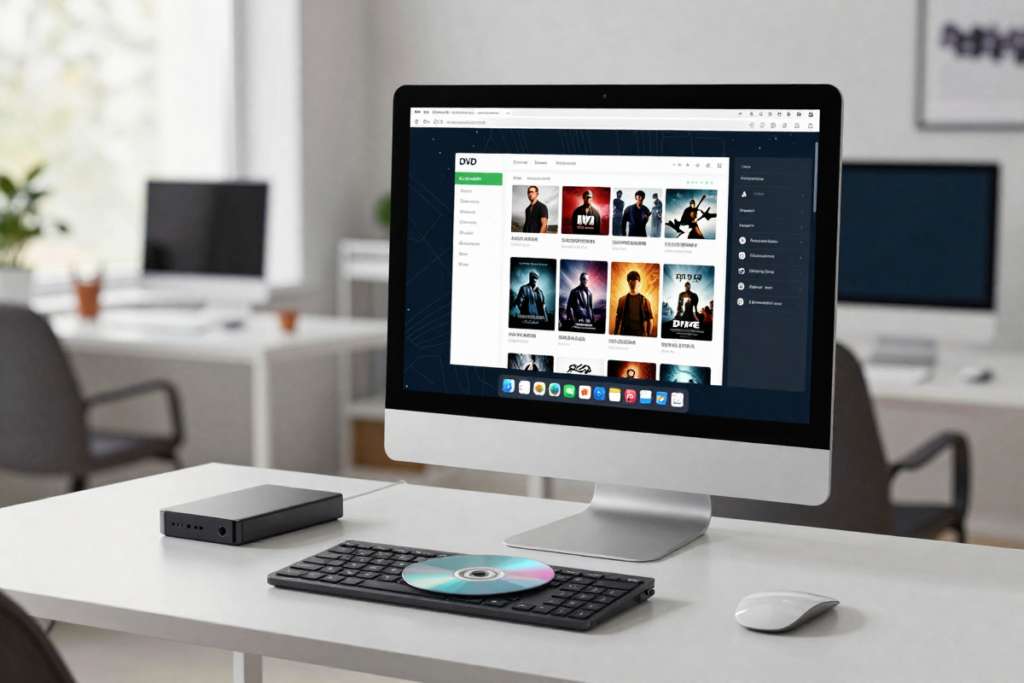
DVD copy protection is a sophisticated barrier designed to thwart unauthorized duplication and distribution of digital content. Imagine it as a digital fortress, meticulously crafted to keep your beloved films safe from piracy. At its core, DVD copy protection works by embedding complex encryption algorithms and security codes into the disc’s data. These mechanisms are engineered to prevent straightforward copying by making the data unreadable or scrambled unless decrypted by a licensed player or software. This security layer ensures that only legitimate copies of the movie are made, protecting the intellectual property of filmmakers and studios.
Types of Copy Protection Used in DVDs
Several types of copy protection have been employed over the years, each with its unique approach to safeguarding content. Here’s a closer look at the most common ones:
- CSS (Content Scramble System): The most prevalent form of DVD protection, CSS encrypts the video content on the disc. This encryption requires a decryption key, which is only accessible by authorized DVD players and software. The challenge is that without the right decryption tools, CSS-encrypted DVDs remain inaccessible for copying.
- Region Codes: Region codes are geographical restrictions encoded into DVDs to limit playback to specific areas of the world. While this doesn’t directly encrypt the content, it adds a layer of complexity by ensuring that a DVD bought in one region can’t be played or copied easily in another.
- Macrovision: This copy protection technology is designed to interfere with the recording of analog signals. When you attempt to record a DVD onto a VHS or another analog medium, Macrovision inserts corrupting signals that prevent the recording device from producing a usable copy.
- ARccOS and RipGuard: These are advanced forms of copy protection that use deliberate errors in the DVD’s data to disrupt copying processes. These technologies work by confusing the ripping software, making it difficult to create a complete and accurate copy of the disc.
- Blu-ray and HD-DVD Protections: Although technically not DVDs, these formats use similar but more advanced encryption techniques, such as AACS (Advanced Access Content System) and BD+ (Blu-ray Disc Plus), to protect high-definition content.
Understanding these copy protection mechanisms is crucial for navigating the world of DVD duplication. Each type poses unique challenges, but with the right tools and knowledge, copying protected DVDs can become a straightforward task.
Legal Considerations
Is It Legal to Copy Protected DVDs?
Navigating the legal landscape surrounding DVD copying can be as intricate as the encryption on the discs themselves. The legality of copying protected DVDs hinges on several factors, including your purpose and jurisdiction. Generally speaking, creating copies of protected DVDs for personal use is a gray area. In many places, making a backup copy of a legally purchased DVD for your personal use is not prosecuted, provided you do not distribute or share it. However, circumventing DVD copy protection mechanisms to create these copies can tread into murky legal waters. This is due to laws like the Digital Millennium Copyright Act (DMCA) in the U.S., which makes it illegal to bypass DVD protection, even for personal use.
It’s essential to understand that while you may own the physical disc, the content on it is protected by copyright law. This means that any attempt to bypass the protection mechanisms, regardless of your intent, could be considered a violation of these laws. Always stay informed about your local regulations, as legal standards can vary significantly from one country to another.
Fair Use vs. Copyright Infringement
The concept of fair use is often cited in discussions about DVD copying. Fair use allows for limited use of copyrighted material without permission from the copyright holder, typically for purposes like criticism, commentary, news reporting, teaching, scholarship, or research. However, the application of fair use to copying DVDs is limited and highly specific. For instance, creating a backup copy of a DVD you own for personal use might be considered fair use in some jurisdictions.
On the other hand, copyright infringement occurs when you reproduce, distribute, or publicly display copyrighted material without authorization from the copyright owner. Copying a protected DVD and sharing it with others, or distributing it online, would clearly fall under copyright infringement. Even if you have good intentions, such as wanting to preserve a rare or aging film, distributing or selling copies could lead to legal consequences.
To avoid crossing into infringement territory, it’s crucial to focus on personal use and adhere to local laws governing digital media. Ensuring that any copying is done solely for your own use, without any form of distribution, is key to staying within the bounds of legality.
Tools You’ll Need
Top Software for Copying Protected DVDs
When it comes to copying protected DVDs, having the right software is essential. The market offers a range of tools designed to handle the complexities of DVD encryption with varying degrees of ease and effectiveness. Here are some top choices to consider:
- DVDFab: Renowned for its versatility and powerful features, DVDFab is a top pick for many. It can handle a broad spectrum of copy protection mechanisms and offers a user-friendly interface that makes the process straightforward. Its suite of tools also includes options for compressing, converting, and burning DVDs, making it a comprehensive solution. [Check out DVDFab here and see why it’s a favorite among users.]
- AnyDVD HD: This software is particularly adept at removing DVD and Blu-ray copy protection. With its real-time decryption capabilities, AnyDVD HD seamlessly integrates with other DVD copying and burning programs, making it an invaluable tool for anyone looking to create high-quality backups. [Explore AnyDVD HD here for more information.]
- WonderFox DVD Ripper: Ideal for both beginners and advanced users, WonderFox DVD Ripper provides fast, high-quality ripping of protected DVDs. It supports a wide range of formats and can bypass most copy protection systems with ease. Its batch processing feature is a bonus for those with large collections. Discover WonderFox DVD Ripper here and start backing up your movies with ease.
- MakeMKV: A popular choice for converting DVDs and Blu-rays into MKV format, MakeMKV excels in preserving the original quality of the content. It’s particularly useful if you want to create digital backups of your movies while keeping them in their original resolution. [Download MakeMKV here to create top-notch digital backups.]
CloneDVD: Designed specifically for DVD copying, CloneDVD is known for its simplicity and effectiveness. It allows users to copy, convert, and burn DVDs with minimal hassle. Its ability to handle complex copy protection makes it a reliable option. [Get CloneDVD here and enjoy seamless copying.]
PERSONAL RECOMMENDATION: This writers #1 choice is WonderFox DVD Ripper. I copied over 500 DVD’s with ease with them being fully formatted and ready for disc storage and my home media server.
Essential Hardware for DVD Copying
While software is crucial, the right hardware also plays a significant role in the DVD copying process. Here’s what you’ll need:
- DVD Drive: A high-quality DVD drive is essential for reading and copying discs. An internal drive is typically faster and more reliable, but external drives can be more convenient for laptop users. Ensure the drive you choose is compatible with your computer and can handle the types of DVDs you wish to copy. [Check out this reliable DVD DRIVE here for your needs.]
- Blank DVDs: To create copies, you’ll need high-quality blank DVD media. Opt for reputable brands to ensure the longevity and reliability of your backups. Both DVD-R and DVD+R formats are commonly used, but make sure to choose the format that matches your DVD drive and copying software. [Purchase blank DVDs here to get started with your copying projects.]
- External Hard Drive or Storage: For those who prefer to store digital copies of their DVDs, an external hard drive is a practical choice. It provides ample space and easy access to your movie collection, allowing for quick retrieval and playback without needing the physical disc. [Check out external hard drive here to keep your collection organized.]
- DVD Burner: If you’re creating physical copies, a reliable DVD burner is essential. Look for a burner that supports high-speed writing and various disc formats to ensure compatibility and efficiency. [This DVD BURNER is highly recommended for copying DVD movies]
High-Speed Internet Connection: For software updates, additional features, or cloud storage options, a fast internet connection can be beneficial. It ensures that your tools are up-to-date and that you have access to the latest features and improvements.
With the right combination of software and hardware, copying protected DVDs becomes a manageable task. Investing in these tools will streamline the process and ensure that your digital backups are of the highest quality.
Step-by-Step Guide to Copy Protected DVDs
Install Your Software: Start by downloading and installing your chosen software. Whether you opt for a free tool or a paid version, ensure that it is up-to-date to handle the latest copy protection technologies.
- Insert Your DVD: Place the protected DVD into your DVD drive. If you’re using software that supports Blu-ray or HD-DVD, ensure that your drive is compatible with these formats.
- Open the Software: Launch the DVD copying software. Most programs will automatically detect the inserted DVD and display its contents.
- Select the Copy Mode: Choose the appropriate copy mode for your needs. Options typically include full disc copy, main movie only, or customized selections. If you’re unsure, the default settings usually work well.
- Start the Copying Process: Click the “Copy” or “Rip” button to begin the process. The software will bypass the copy protection, decrypt the DVD, and create a copy. This may take some time, depending on the software and the size of the DVD.
- Save Your Copy: Choose where to save the copied file or insert a blank DVD if you’re creating a physical copy. Ensure you select the correct format and settings for your intended use.
- Verify the Copy: Once the copying process is complete, verify that the copy works properly by playing it back on your computer or a DVD player. This step ensures that the copy was successful and that the quality meets your expectations.
- Backup Your Copy: For added security, consider creating multiple backups of your copied DVD. Store them in different locations to prevent loss due to damage or theft.
By following these steps, you can effectively bypass DVD copy protection and create copies for personal use. Remember, while copying DVDs can be a valuable tool for preserving your collection, it’s crucial to respect copyright laws and use these copies responsibly.
Troubleshooting Common Issues
Problems with Software Not Recognizing the DVD
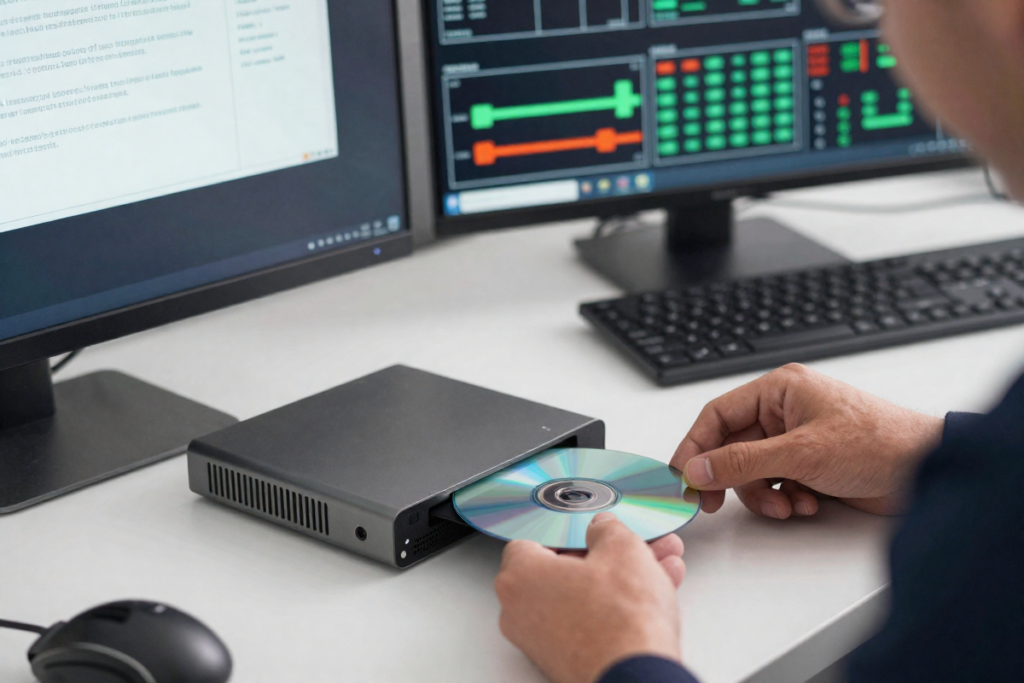
If your software is struggling to recognize the DVD, it could be due to several reasons. Ensure that the DVD is clean and free of scratches, as these can interfere with the reading process. Check that your software is compatible with the DVD’s protection system and is updated to handle the latest encryption technologies. Sometimes, restarting your computer or reinstalling the software can resolve recognition issues.
Copying Errors and Quality Issues
Copying errors and quality issues can occur due to various factors, including faulty media, outdated software, or hardware problems. Ensure you’re using high-quality blank DVDs and that your DVD drive is functioning properly. If you encounter errors, try adjusting the settings in your software or performing a clean installation. For persistent issues, consult the software’s support resources or community forums for specific solutions.
DVD Region Code Restrictions
If you encounter region code restrictions, consider using software that can bypass these codes. Many modern DVD copying tools have built-in features to handle region codes and allow for successful copying regardless of geographic restrictions. Ensure your software is set to handle multiple regions or check if there’s an option to bypass region coding. [Learn how to bypass region codes here](#) for more information.
By addressing these common issues and employing the right tools and techniques, you can overcome obstacles and successfully copy protected DVDs. Whether you’re preserving a personal collection or creating backups, staying informed and prepared will ensure a smooth and effective copying process.
A Final Word On Copying Protected DVD’s
Copying protected DVDs might seem like a complex endeavor, but with the right knowledge and tools, it becomes a manageable and rewarding task. Understanding the types of copy protection and the legal implications ensures that you approach the process with respect for copyright laws and intellectual property rights. Armed with powerful software and reliable hardware, you can create high-quality backups of your favorite films, preserving them for future enjoyment. As technology evolves, so too do the methods for bypassing DVD protection, so staying informed about the latest tools and techniques will keep you ahead of the curve. Dive into the world of DVD copying with confidence and transform your physical media into a convenient and versatile digital library. Happy copying!
Product Checklist:
Disclaimer: Some of these links are affiliate links. If you choose to purchase I may receive a commission at no extra cost to you.