In today’s content-driven world, the ability to create your own entertainment experience is finally within reach. Imagine having a streaming service tailored just for you, where every show, movie, and piece of content is handpicked to suit your tastes. Say goodbye to endless scrolling through options that just don’t fit your vibe, and wave farewell to paying for subscriptions filled with content you never watch. Welcome to a new era where you control your viewing experience. DIY streaming isn’t just a passing trend; it’s a game-changer in how we enjoy media. Whether you’re a tech lover or simply tired of juggling multiple subscription fees, crafting your own streaming service at home is not only achievable—it’s an exciting adventure. Get ready to dive into a world of personalized entertainment that reflects who you are.
Why Build Your Own Streaming Service?
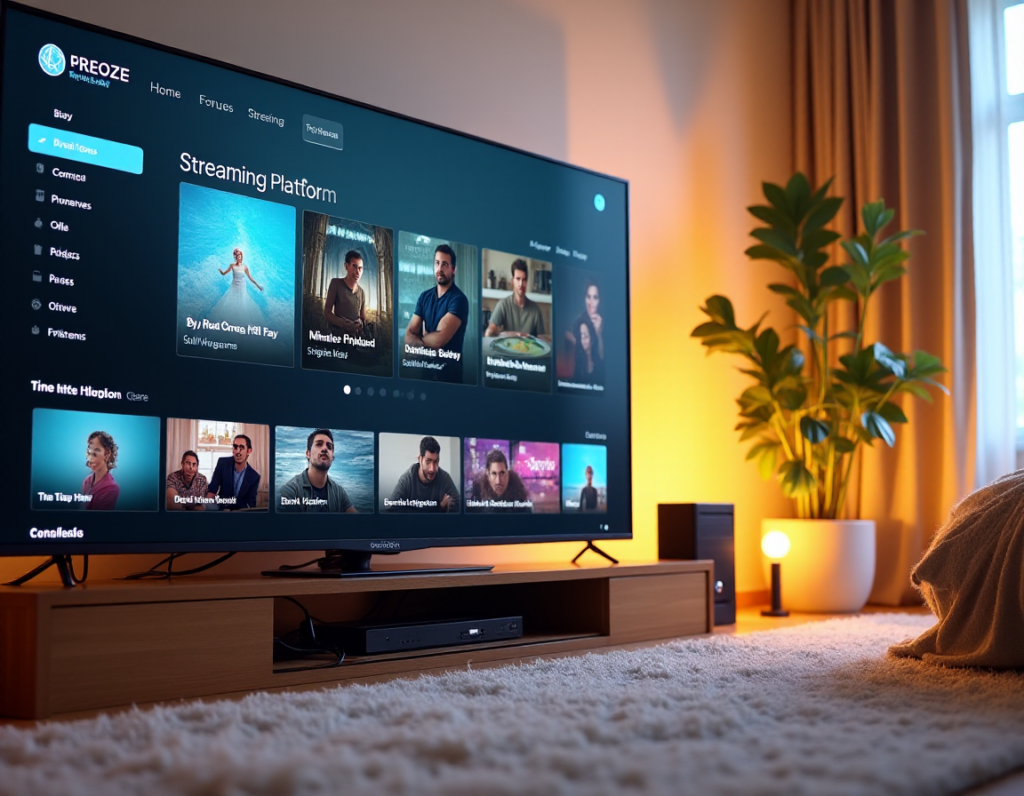
The Rise of Personalized Streaming: Take Charge of Your Content
In this digital age, where every platform competes for your attention, taking control of your viewing experience is empowering. Picture curating your own library—a collection of films, shows, and documentaries that resonate with you. No more sifting through irrelevant suggestions. Building your own streaming platform means every piece of content is there because you chose it. It’s like having a personal entertainment assistant, ensuring you have a seamless and enjoyable experience.
Personalized streaming allows your individuality to shine. We all have unique tastes, so why settle for a one-size-fits-all experience? By taking charge, you create a space that showcases your interests—be it classic cinema, gripping documentaries, or quirky indie films. This is your chance to set up a home media server that’s all about you.
Cost Savings and Flexibility: Ditch the Subscription Fees
Subscription fatigue is a real struggle. With each streaming service vying for a piece of your budget, costs can pile up quickly. But what if you could break free from this cycle and keep more money in your pocket? By building your own streaming service, you gain control over what you watch while trimming those recurring fees.
Creating a custom streaming service brings unmatched flexibility. No more juggling multiple subscriptions to catch your favorites or worrying about sudden price hikes. You decide what goes into your library, when to update it, and how to access everything—all without the stress of another monthly bill. It’s a budget-friendly way to regain control over your entertainment choices.
Streaming for Niche Audiences: Curate Content to Your Tastes
Mainstream streaming services often cast a wide net, leaving niche interests underserved. If you have a passion for a specific genre or type of content, you probably know the frustration of limited options. Building your own streaming service is the perfect solution. It allows you to dig deep into your interests and curate a collection that speaks to you.
Whether you adore vintage horror flicks, foreign films, or cult classics, your personal streaming service can be a haven for your tastes. Curating content means your viewing sessions are filled with joy and discovery, exploring your favorite genres without compromise. It’s about creating a space that truly resonates with you, where every title feels just right.
Ultimately, choosing to build your own streaming service is about more than convenience—it’s about crafting an entertainment experience that reflects your unique personality.
Getting Started: Essential Tools and Technologies
Hardware Requirements: What You Need to Begin
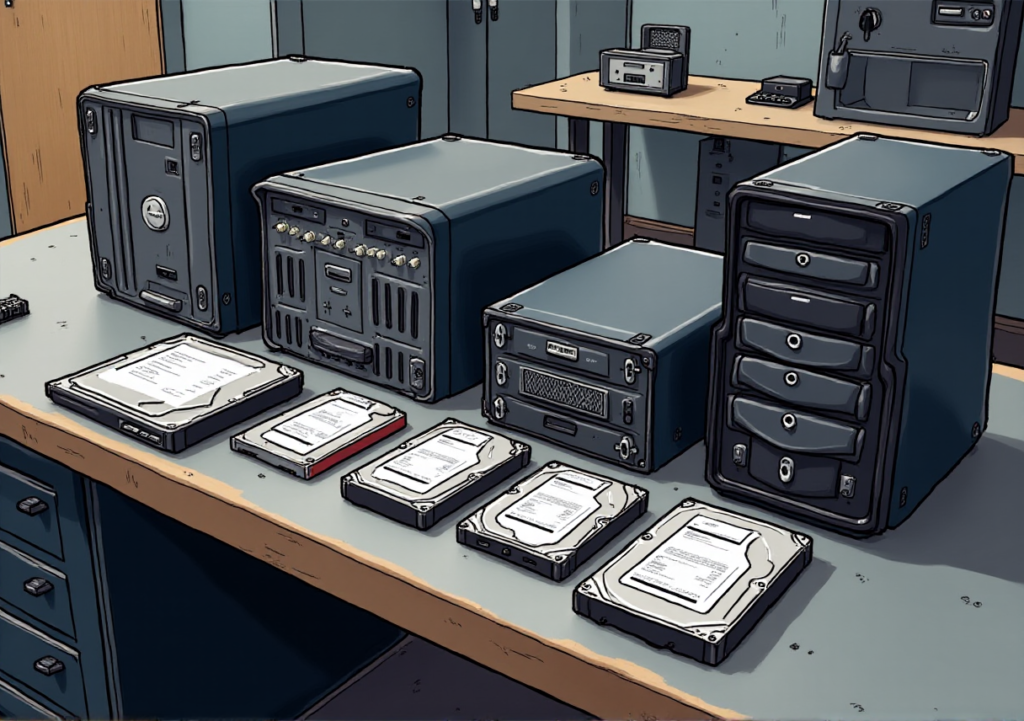
Starting your DIY streaming service begins with gathering the right tools. At the core of your operation is the hardware—the foundation of your streaming ecosystem. First off, you’ll need a reliable server to store your content and stream it to multiple devices. Whether you go for a high-performance computer or a dedicated NAS (Network Attached Storage) system will depend on your streaming goals.
If you plan to stream high-definition or 4K content, investing in a powerful processor, plenty of RAM, and ample storage is essential. A server with multiple terabytes of storage will give your library room to grow, while a fast SSD (Solid State Drive) can enhance responsiveness. Don’t overlook a solid power supply and cooling system; they’ll keep everything running smoothly during those long binge-watching sessions.
Software Solutions: Open Source vs. Paid Options
Once your hardware is set up, it’s time to think about the software that will bring your streaming service to life. Choosing between open-source and paid software is crucial, as both options have their benefits. Open-source platforms like Plex, Jellyfin, and Emby are popular for their flexibility and community support. They offer a wide range of customization options, allowing you to tailor your service to your precise needs. Plus, you won’t be tied down by subscription fees—a big win for budget-conscious streamers.
On the flip side, paid software often comes with enhanced features, user-friendly interfaces, and dedicated support. They might integrate better with various devices and offer more robust security. Platforms like Infuse or Synology’s Video Station can provide a smooth experience if you prefer convenience over tinkering. Your choice will boil down to how comfortable you are with technology and whether you value customization or ease of use more.
Internet Speed and Bandwidth: Ensuring Smooth Streaming
All the great hardware and software won’t matter if your internet connection can’t keep up. Streaming demands a solid and reliable connection, so speed and bandwidth are key. For smooth streaming—especially with high-definition or 4K content—you’ll want at least 25 Mbps upload speed. Lower resolutions can work with around 5-10 Mbps.
Bandwidth affects how many devices can stream simultaneously without affecting quality. If you plan to stream to multiple devices—whether at home or to friends—make sure you have enough bandwidth. Consider an internet plan with unlimited data, as streaming can quickly eat through monthly caps, leading to throttled speeds or extra charges. With the right combination of hardware, software, and internet connectivity, you’ll be set for a smooth streaming experience.
Curating Your Content Library: Movies, Shows, and More
Building your streaming service lets you create a content library that reflects your interests. No more endless scrolling through titles that don’t resonate. This is your chance to curate a collection that truly speaks to you. Whether it’s classic films, binge-worthy series, or niche genres, make sure your library showcases what you love.
Focus on the types of content you’re passionate about. Are you into sci-fi, romance, or thrillers? Whatever your preference, your streaming service should mirror those tastes. This is your opportunity to build a DIY media center that feels just right for you.
How to Legally Acquire Content: Avoiding Copyright Issues
Curating a content library comes with the responsibility of ensuring everything is legally acquired. Copyright infringement can lead to serious consequences, so it’s crucial to build your library through legitimate means. One of the easiest ways is to buy digital copies of movies and shows from authorized platforms like Amazon or Google Play.
If you want to record and store content from existing subscriptions, consider services like PlayOn Cloud, which allows you to capture streams for personal use. Just remember that sharing this content outside your household can lead to legal issues.
For something more exclusive, look into obtaining licenses directly from distributors or licensed resellers. Although this route may be more complex, it ensures you’re offering content legally and can give your service a unique edge.
Creating Original Content: The Power of Unique Offerings
Creating original content can set your streaming service apart and give you complete control over your offerings. Whether it’s short films, documentaries, or podcasts, original content reflects your voice, making your platform unique. Today, producing high-quality content is more accessible than ever. With the right tools, you can create content that rivals what you see on mainstream platforms.
Original content isn’t just about differentiation; it’s about connection. It allows you to engage deeply with your audience, offering something they can’t find elsewhere. Whether you’re flying solo or collaborating with others, focus on quality and authenticity. Your audience will appreciate the effort, making your streaming service a go-to for unique, compelling content.
By curating your library, legally acquiring content, and creating original works, you’ll build a streaming service that’s diverse, engaging, and a true reflection of your tastes.
Setting Up Your Streaming Server
Step-by-Step Guide: Installing and Configuring Your Server
With your content ready and hardware in place, it’s time to set up your streaming server. This is where everything comes together. Start by installing your chosen server software onto your hardware. Download the installation file from the software’s website and run the installer.
Follow the on-screen instructions to complete the installation, which usually involves setting up user accounts and basic settings. Once installed, configure your server to handle the content you plan to stream. Add your media files and organize them into libraries. Most server software offers an intuitive interface for managing content, making this step pretty straightforward.
Don’t forget to perform a test run to ensure everything’s working smoothly. Access your server from different devices to check that the streaming quality meets your expectations.
Choosing the Best Server Software: Plex, Emby, and More
Selecting the right server software is crucial for a smooth streaming experience. Plex, Emby, and Jellyfin are among the most popular options, each with unique features to suit different needs.
Plex is known for its user-friendly interface and broad device compatibility. It’s a great choice if you want a polished experience. Plex has features like metadata fetching and robust mobile apps, but some advanced options require a paid subscription.
Emby offers a similar experience but provides more flexibility for customization, making it ideal for those who want to tailor their server. It also supports various devices and has a vibrant community.
Jellyfin, an open-source alternative, is perfect for those who prefer a free solution without subscription fees. It offers many features similar to Plex and Emby but might require a bit more hands-on setup.
Evaluate each option based on your specific needs—whether it’s ease of use, customization, or cost—to find the best fit for your streaming service.
Securing Your Server: Protecting Your Content and Users
Security is vital when setting up your streaming server. Protecting your content and users ensures that your service remains safe and reliable. Start by implementing strong password policies for your server and user accounts. Avoid default passwords and consider enabling two-factor authentication if your software supports it.
Regularly update your server software and related applications to patch vulnerabilities and protect against threats. Keeping everything up-to-date is one of the simplest yet most effective ways to safeguard your service.
Also, consider setting up a firewall and encryption to protect data transmitted over the internet. This helps prevent unauthorized access and keeps user data safe. If your software allows, configure access controls to limit who can view or modify your content.
By following these security best practices, you’ll create a streaming environment that is both secure and trustworthy, allowing you and your users to enjoy a smooth viewing experience.
Designing a User-Friendly Interface
Creating a standout streaming service isn’t just about content; it’s also about user interaction. Customizing your platform allows you to infuse your personality into the user experience, transforming the standard interface into something uniquely yours. Start by exploring the customization options offered by your server software. Many platforms let you adjust layouts, color schemes, and design elements to align with your vision.
Consider how you want users to experience your service. Do you prefer a modern look or a classic vibe? Customize your platform accordingly, adjusting fonts, choosing color palettes, and setting up intuitive menus to guide users through your content library effortlessly.
User Experience Best Practices: Easy Navigation and Search
A well-designed interface is crucial for a positive user experience. Ensure your streaming service is easy to navigate and search. Start with clear navigation menus that make finding content straightforward. Categories and genres should be easily accessible, and users should be able to filter and sort content based on their preferences.
Incorporate a robust search function to help users quickly locate specific titles. The search bar should be easy to find and offer suggestions as users type. Consider implementing a recommendation system based on viewing history to enhance user satisfaction and encourage engagement.
Streaming to Multiple Devices
In today’s digital landscape, the ability to stream across various platforms is essential. Whether your viewers prefer a big-screen TV, a smartphone, or a tablet, your service should be accessible on all devices.
Start by ensuring your server software supports multi-platform streaming. Most modern platforms, like Plex and Emby, are designed with cross-device compatibility in mind. Regularly test your service on different devices to guarantee consistent performance.
Setting Up Streaming on Smart TVs, Phones, and Tablets
Getting your service running on smart TVs, phones, and tablets is crucial. For smart TVs, download the relevant app from the TV’s app store. Most major streaming platforms have dedicated apps for popular brands. Once installed, follow the on-screen instructions to link the app to your server.
For smartphones and tablets, the process is similar. Download the app from your device’s app store and log in. Ensure your server settings allow connections from these mobile devices and check that the app is optimized for mobile viewing.
Tips for Streaming on Gaming Consoles and Other Devices
Streaming on gaming consoles requires a few extra steps. Consoles like PlayStation and Xbox often support streaming apps, but you may need to download them from the console’s app store. Once installed, link the app to your server by logging in or using a pairing code.
For devices like Roku or Amazon Fire TV, install the corresponding app and follow similar steps. These devices may offer additional features, such as voice control, enhancing the experience.
Always keep an eye on device-specific requirements. Some consoles may have limitations on file formats or streaming quality. Address these by adjusting settings on your server to ensure smooth viewing across all platforms.
Optimizing Your Streaming Service for Performance
Buffering can ruin the streaming experience. To minimize this issue, start by optimizing your server settings. Adjust video quality based on network conditions; lowering the resolution can significantly reduce buffering for users with slower connections.
Ensure your server has enough processing power and RAM to handle multiple streams. Investing in quality server hardware can alleviate bottlenecks and enhance streaming quality.
Consider using a content delivery network (CDN) to distribute content efficiently. CDNs cache content on multiple servers globally, improving load times and reducing buffering.
Managing Bandwidth: Tips for High-Quality Streams
Bandwidth management is crucial for maintaining high-quality streams. Analyze your network bandwidth to determine its capacity. If slowdowns are frequent, consider upgrading to a higher bandwidth plan.
Implementing adaptive streaming technology can also help manage bandwidth effectively. This technology adjusts the stream’s quality in real-time based on the user’s network conditions, preventing interruptions.
Prioritize bandwidth allocation for your streaming service. If you’re running multiple applications on the same network, ensure that streaming gets sufficient bandwidth for a smooth viewing experience.
Troubleshooting Common Streaming Issues
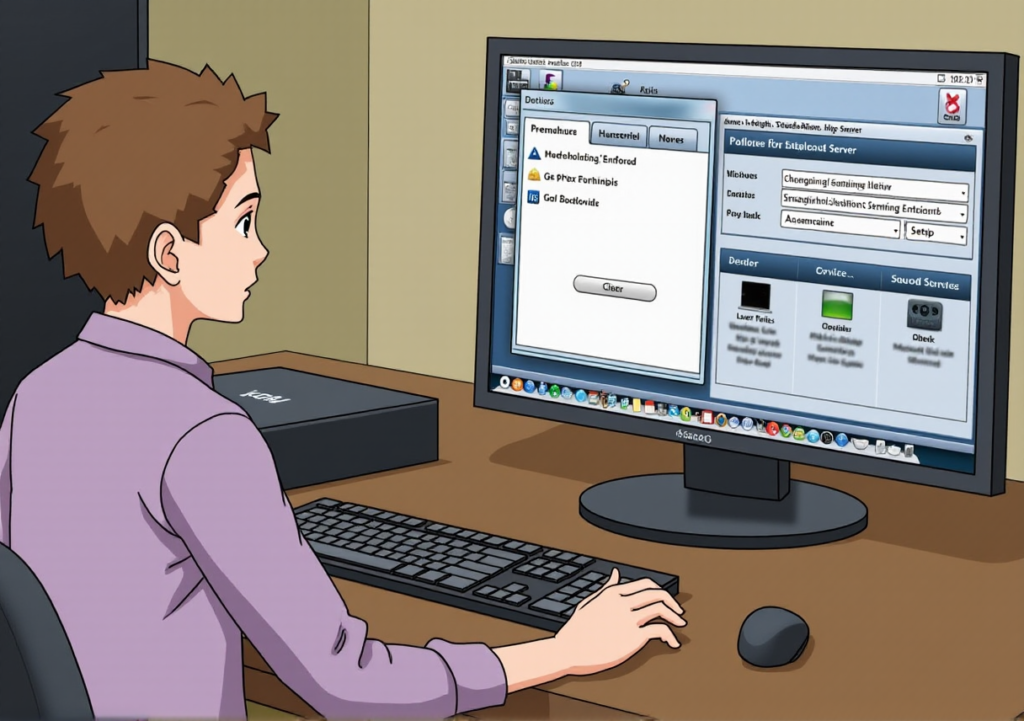
Even with the best setup, streaming issues can arise. If users experience buffering or poor quality, start by checking their internet speed. A quick speed test can reveal if the problem is on their end or yours.
For playback errors or crashes, ensure that your server software and apps are updated. Outdated software can cause compatibility issues. If problems persist, restart your server and devices to refresh connections.
If specific devices or platforms have issues, verify that your service is compatible. Regularly check device support forums and update your service’s compatibility as needed.
By addressing buffering, managing bandwidth, and troubleshooting effectively, you can optimize your streaming service for peak performance. A seamless, high-quality experience keeps viewers engaged and satisfied.
Conclusion: The Freedom of DIY Streaming
Embrace the Possibilities: The Future of Home Entertainment
The world of home entertainment is rapidly evolving, and DIY streaming is at the forefront of this transformation. Gone are the days of being tethered to traditional cable packages and restrictive subscription models. Today, the power to curate and control your own content experience is in your hands. With the right tools, a dash of creativity, and a bit of technical know-how, you can build a custom streaming service that not only meets your unique preferences but also offers endless possibilities for personalized streaming experience and growth for you and your household.
Imagine a streaming service where every piece of content is tailored to your tastes, where you have the flexibility to add and remove features as you please. This is the freedom that DIY streaming offers. It’s not just about watching your favorite shows and movies; it’s about creating an entertainment experience that’s uniquely yours.
As technology continues to advance, the barriers to entry for building a streaming server are becoming lower. The availability of powerful streaming service software, affordable hardware, and user-friendly tools makes it possible for anyone with a vision to turn their dream into reality. Whether you’re passionate about niche content, eager to explore new formats, or simply want to offer a fresh take on home media streaming, the possibilities are as vast as your imagination.
Encouragement to Start Your Own Streaming Service Today
Now is the perfect time to take the plunge into the world of DIY streaming setup. The landscape is ripe with opportunities for innovation and personalization. By following the steps outlined in this streaming service DIY guide, you’re equipped to create a service that stands out in the crowded market and resonates with your household.
Don’t let the complexities of streaming server installation deter you. With the right approach, patience, and persistence, you can overcome challenges and build a platform that offers immense value to viewers. Start by defining your vision, assembling the necessary tools, and setting clear goals for your home entertainment server. Remember, every successful self-hosted streaming service started as a simple idea, much like yours.
Your DIY streaming adventure awaits. Seize the opportunity to create something extraordinary and be a part of the future of home entertainment.
PRODUCTS & SERVICES MENTIONED IN POST
HARDWARE:
NAS (Network Attached Storage)
SSD (Solid State Drive)
STREAMING DEVICE
Roku
Amazon Fire TV
STREAMING SOFTWARE:
Plex
Jellyfin
Emby
STREAMING SOFTWARE (PAID):
Infuse
Synology’s Video Station
BUY MOVIES/TV SHOWS
Amazon
Google Play
SUBSCRIPTION CLOUD SERVICES
PlayOn Cloud
Disclaimer: Many of the links in this post are affiliate links. This means I may earn a commission if you purchase through these links. There is no extra cost to you if you do.